
Date calculations on the iPhone
December 5, 2025 at 6:19 PM by Dr. Drang
Back in early 2023, I wrote about combining some of my simple command-line date commands into a single Keyboard Maestro macro. This became my go-to system for quickly getting the number of days between two dates. Around that same time, I wrote a shortcut so I could make the same quick calculation on my iPhone (or iPad, but I don’t think I’ve ever used it there). For some reason, I never wrote about the shortcut here, even though I’ve used it a lot.
The shortcut, called Days Between, displays a date picker for the start date,
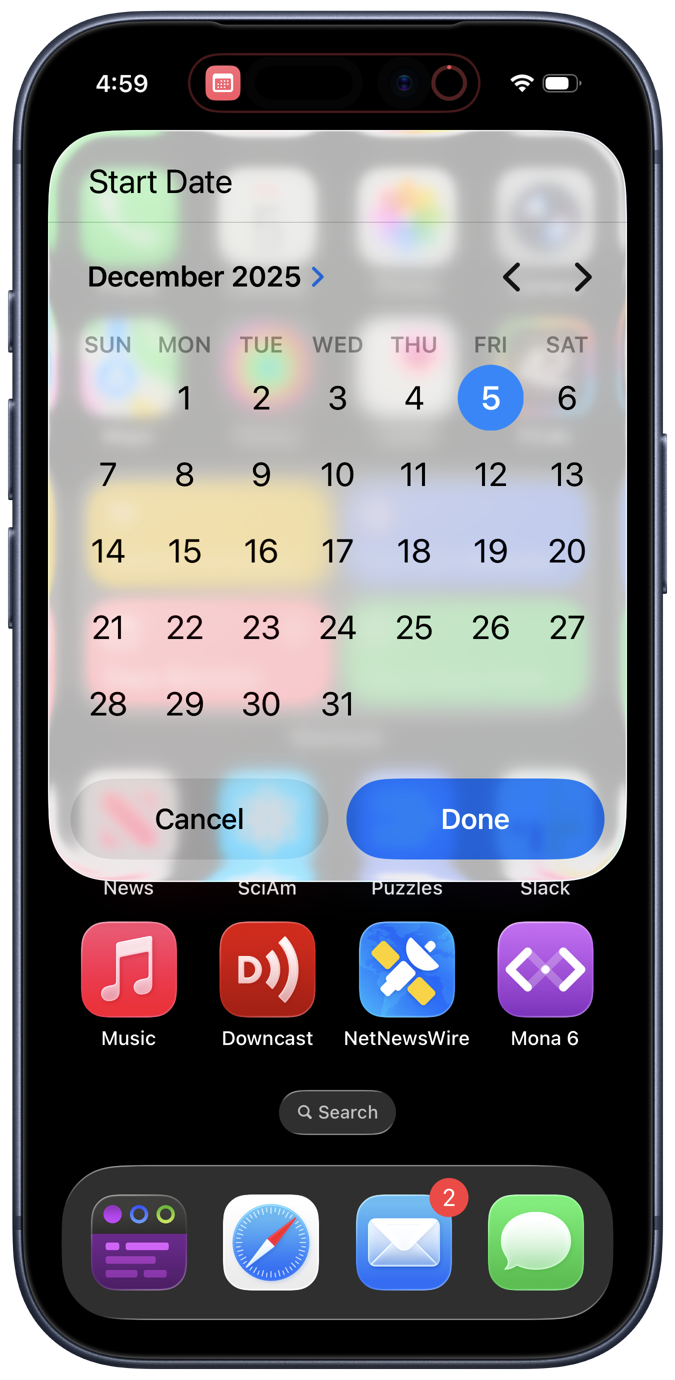
and the end date, which looks the same except for the text at the top. It then calculates the number of days between the two dates and displays the answer:
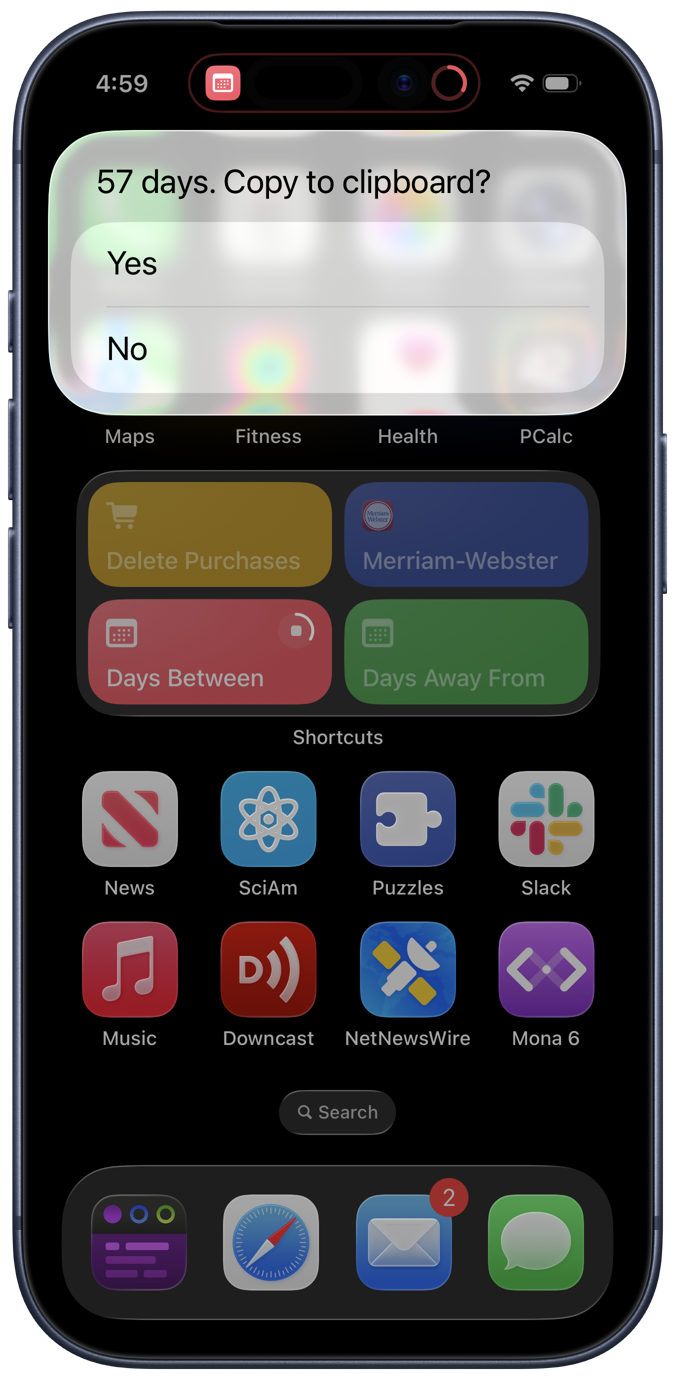
In this case the answer was between today and January 31 of next year.
The defaults for both the start and end dates are the current day because that’s likely to be what I want for one of them. Along with the answer, I’m given the opportunity to copy the result to the clipboard in case I want to paste it into a text or email.
Days Between is easy to use and was easy to write. Here are the steps:
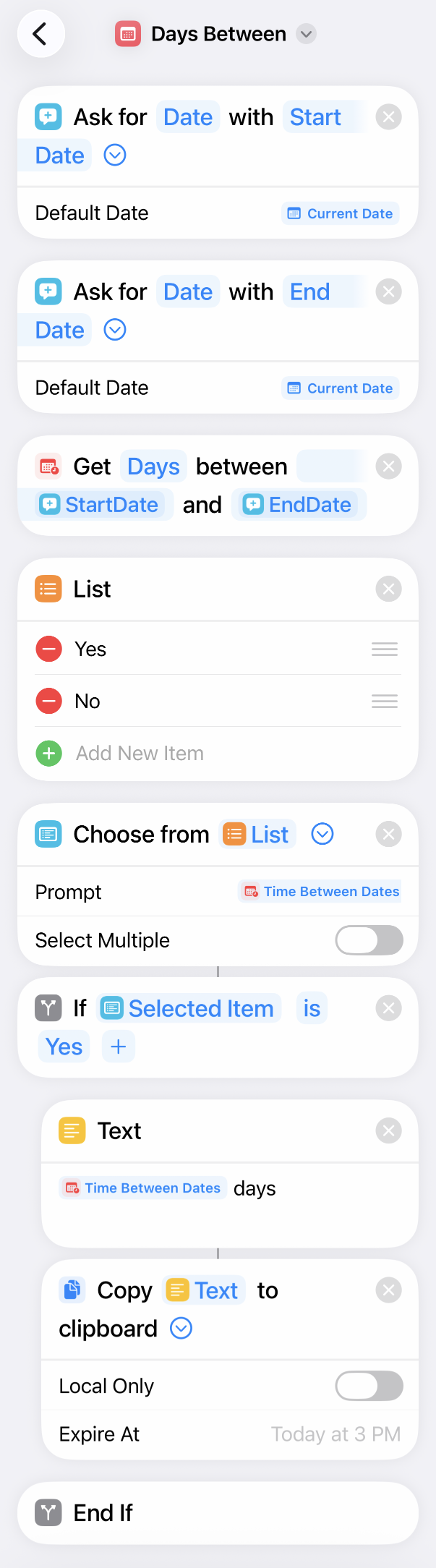
I don’t think the steps need to be explained. If you think you’d use Days Between, download it.
A similar shortcut, called Days Away From, asks for the start date and a number of days. Unsurprisingly, it returns the date that many days away from the start date. I’m sure you don’t need to see screenshots of it in action, but here are the steps:
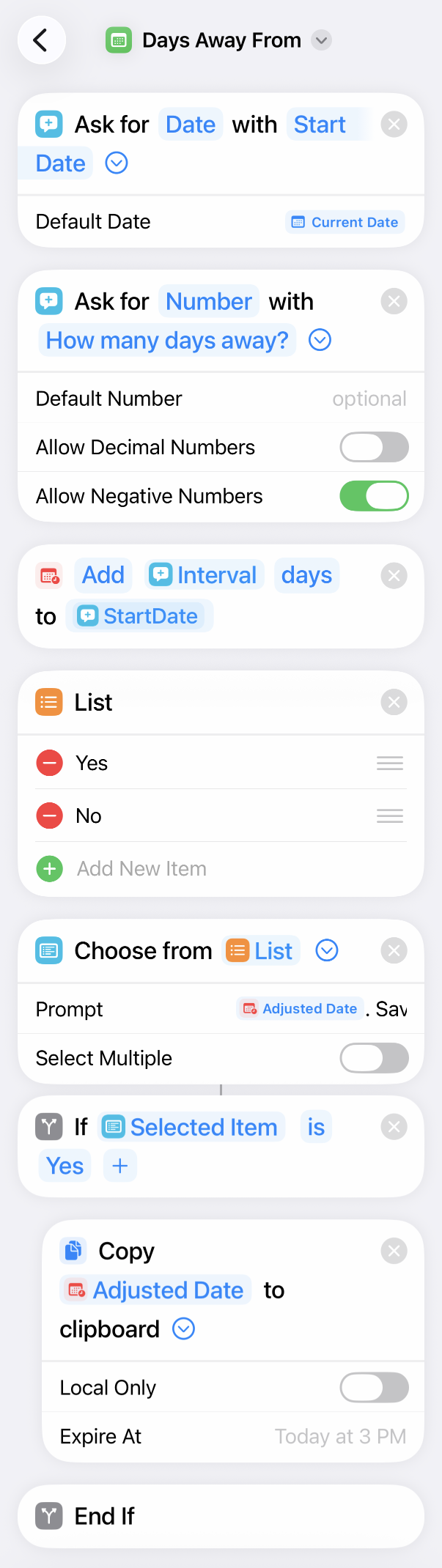
Again, you can download it if you think it would be helpful.
I’ve been running these shortcuts via buttons on a 2×2 Shortcuts widget on my home screen for quite a while, but I think I’ll be removing them soon. A few days ago, sharon linne faulk told me on Mastodon about a $3 app called Time Jump that does what both of my shortcuts do but with a simpler UI.
Here’s what Time Jump looks like upon launch:
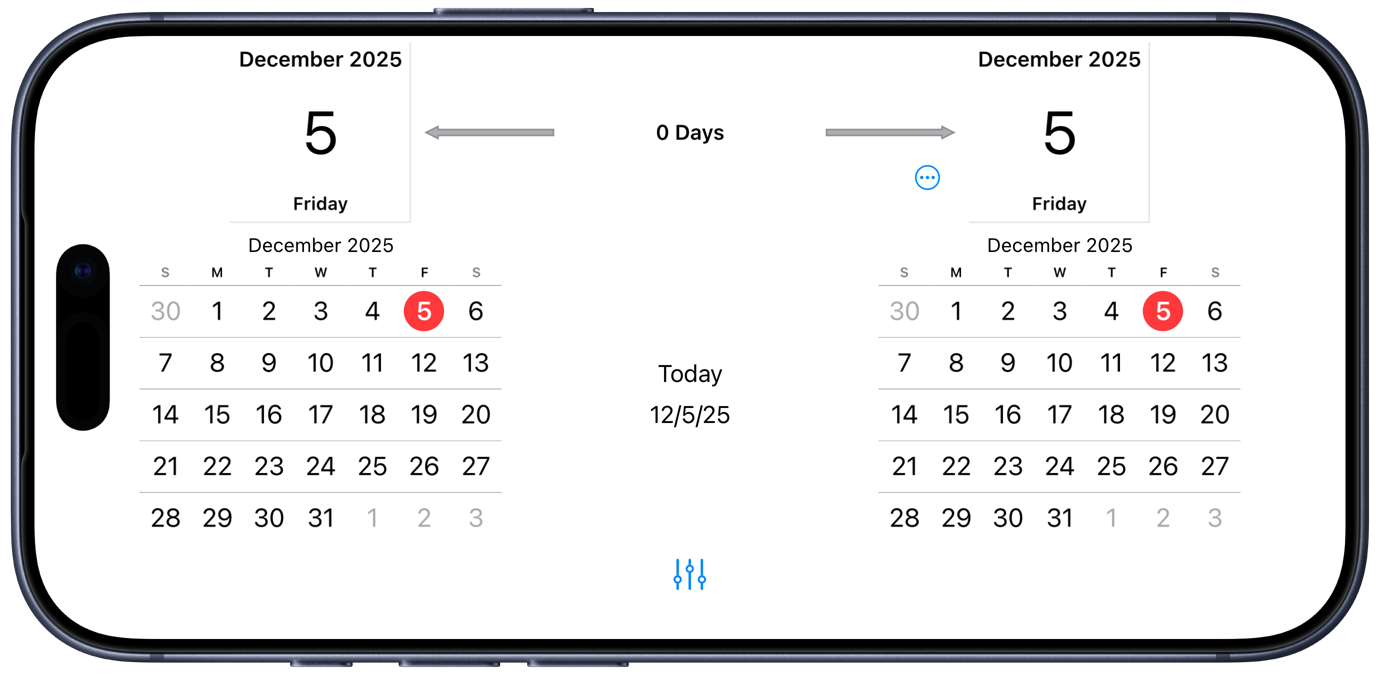
By working only in landscape mode, it can show two date pickers side by side with the interval information in between. Initially, both dates are set to the current date. Swipe and tap to change the dates and the display updates automatically to show the interval:
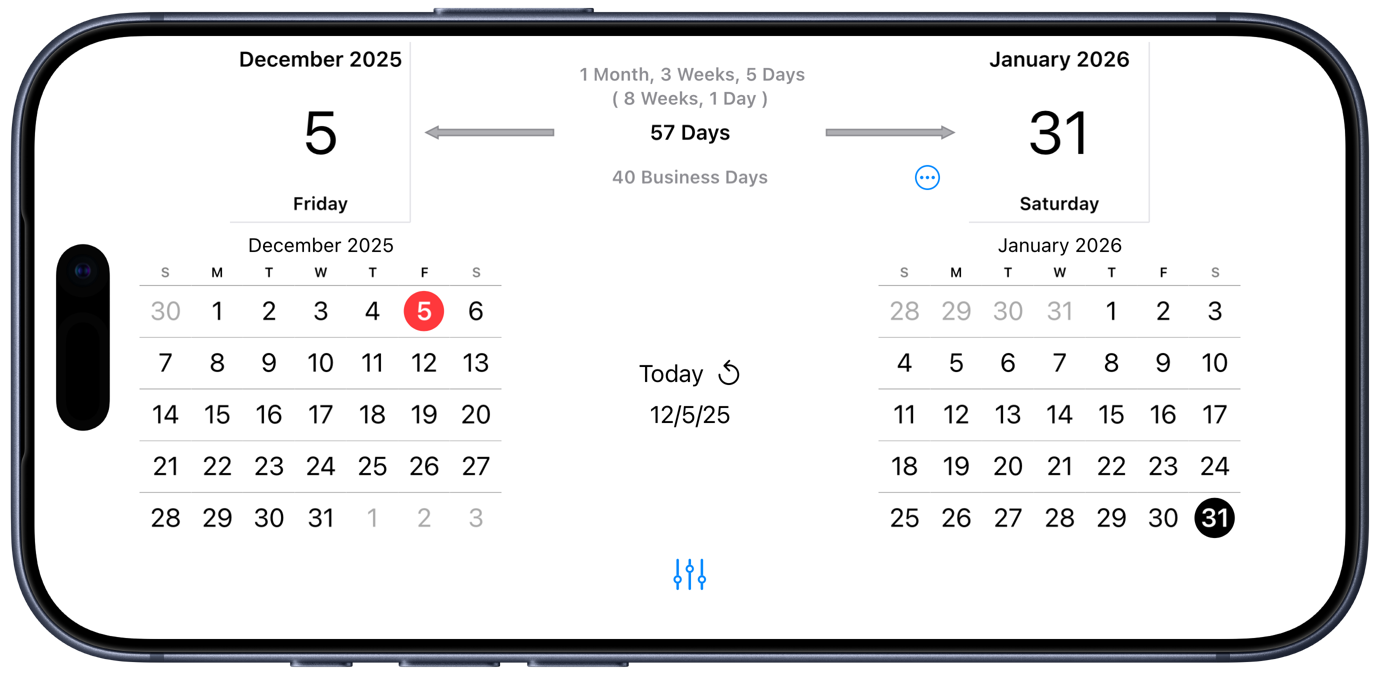
Tap on the three-dot button to pop up a number pad in which you can enter the day interval:
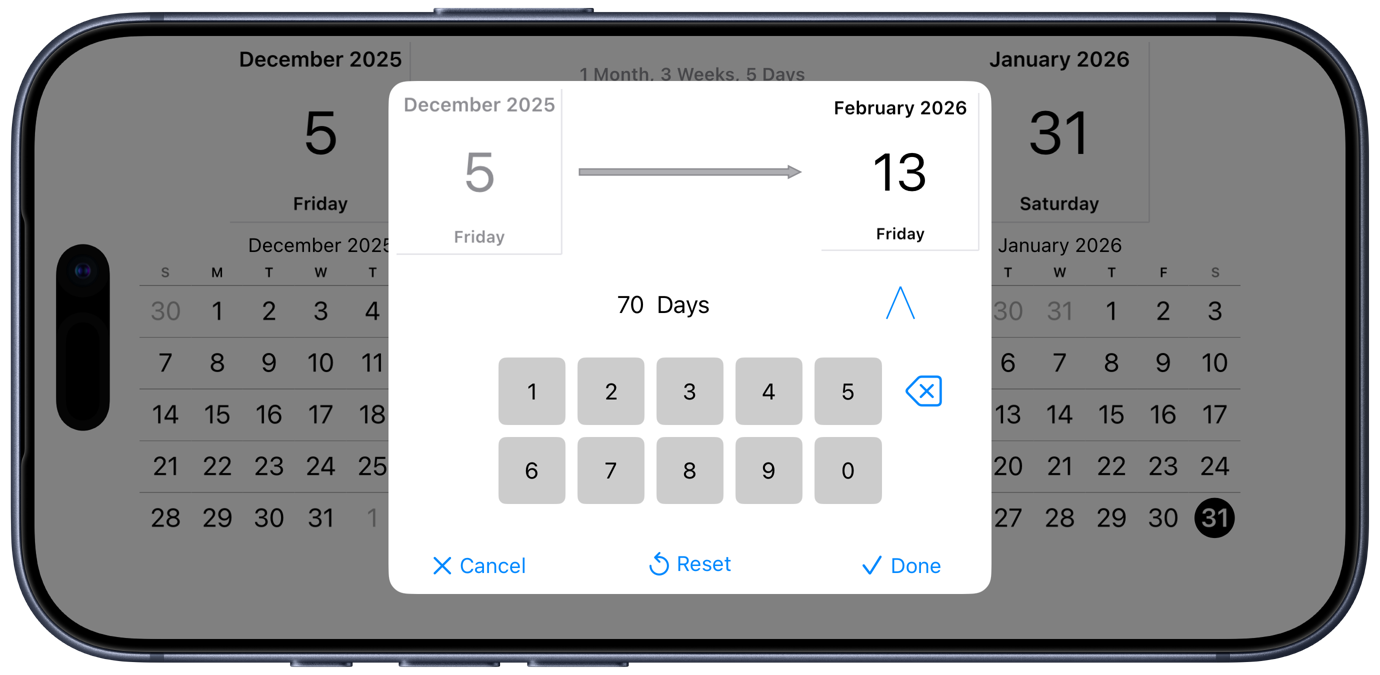
The end date updates as you type in the number of days, and that date persists on the main screen when you dismiss the keyboard:
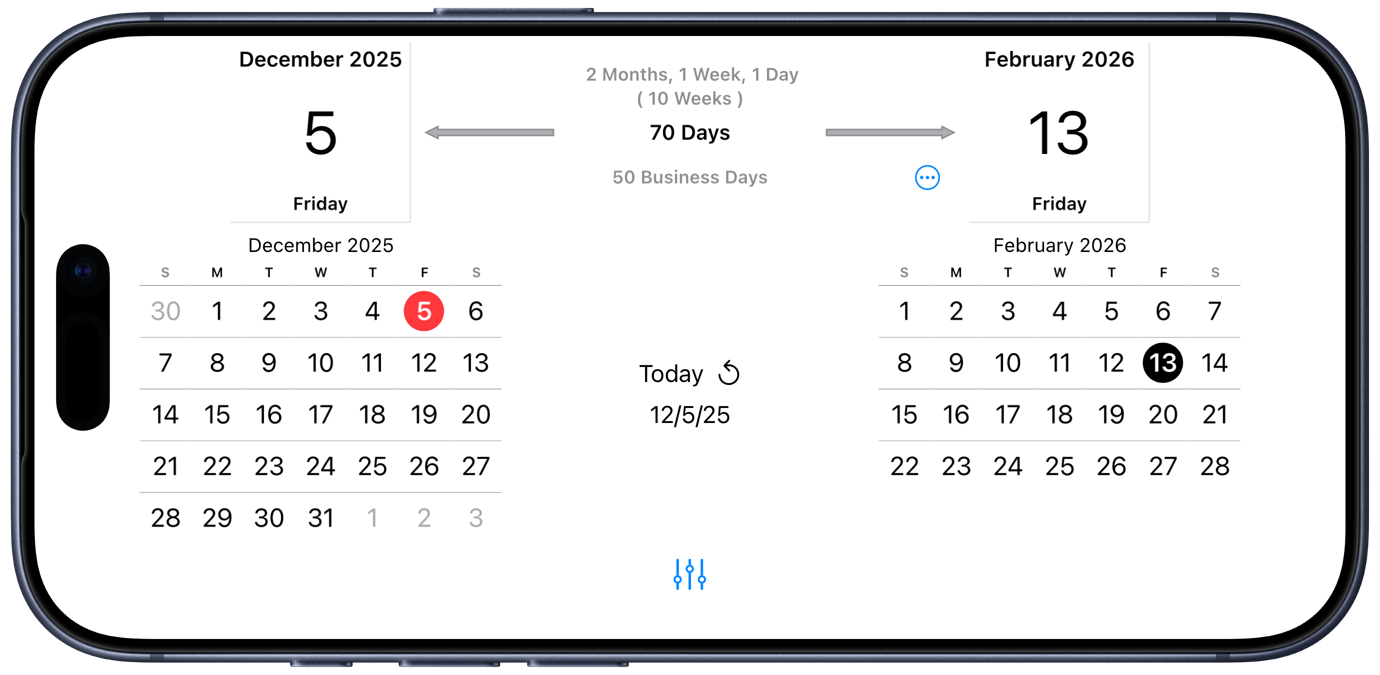
You’ve probably noticed that Time Jump displays the interval in a few different ways: days, business days, and combinations of years, months, weeks, and days. There are settings that let you choose what constitutes a “business day.” It can also show you your calendar entries if you give it permission to do so.
While I was initially put off by Time Jump’s landscape-only orientation, I soon decided that its info-filled layout is worth the inconvenience of turning my phone. Thanks for the tip, sharon!