
A less complicated complication
March 29, 2026 at 10:42 AM by Dr. Drang
Back in January, I complained about the Apple Watch’s Timer complication being too complicated. A couple of days ago, Dan Moren told me on Mastodon that my complaint had been addressed in watchOS 26.4, which was released earlier this week. After a surprisingly quick update of my watch (I had already updated every other device to 26.4 but somehow forgot to do the watch), I added a 3-minute timer as the bottom center complication and, miracle of miracles, it worked exactly as it should.
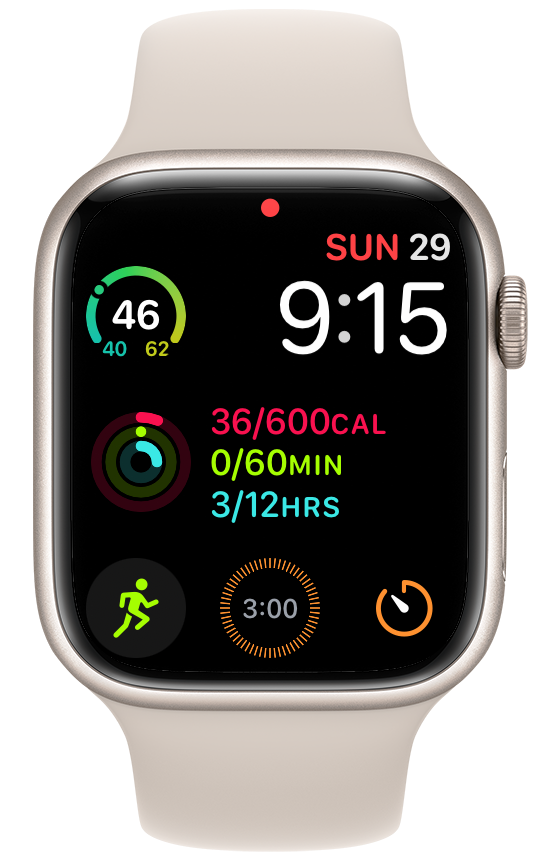
To recap, my January complaint was that although I could create a complication that looked like it would start a 30-second timer when tapped, that complication actually required a second tap on a smaller button to start it—a stupid way to implement the feature. As of 26.4, the stupidity has been removed. Now the timer starts immediately when you tap the complication.
If you’d like a quick way to set a specific timer on your watch, press and hold on your watch’s home screen, tap the Edit button, and then swipe (if necessary) to get to the complications screen. Tap the complication you want to change to a Timer, scroll through the list, and choose Timers. At this point, you will be given the option to choose either a generic timer complication—one that just opens the Timers app—or one set to one of the specific times you’ve created in the Timers app.
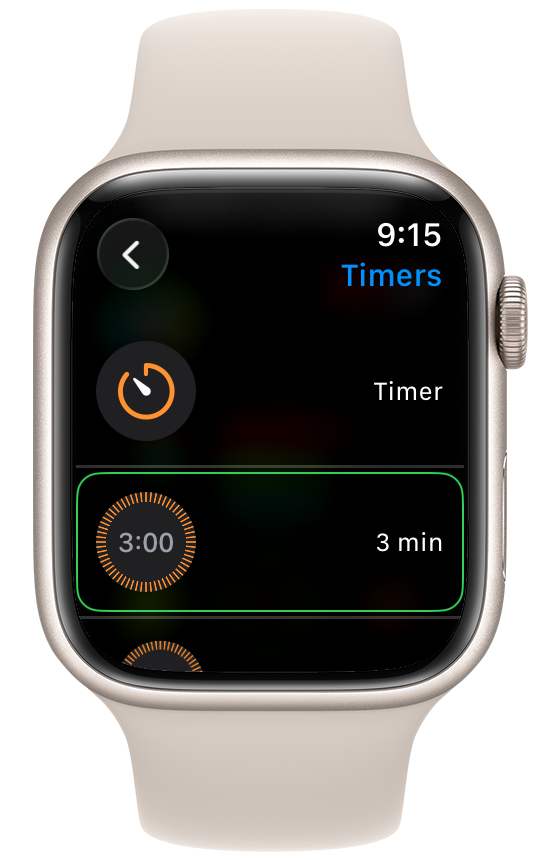
Choose the one you want and go back to your home screen. Now you have a specific timer complication that works the way it should.
(Aside: I wanted a 30-second timer in January because I was doing physical therapy stretching exercises then that were supposed to be held for 30 seconds. I’m not doing those exercises anymore, so I made a 3-minute timer for tea.)
Thanks to Dan for telling me about this. I had given up on this type of complication and wouldn’t have thought to look for the improvement.
Another improvement in 26.4—one that’s sort of mentioned in the release notes—is that you no longer have to tap the small arrow button to start a workout. You can also tap anywhere in the big area around the exercise icon above the three bottom buttons on the Workouts screen. And you don’t have to wait for the arrow button to slowly animate into view.
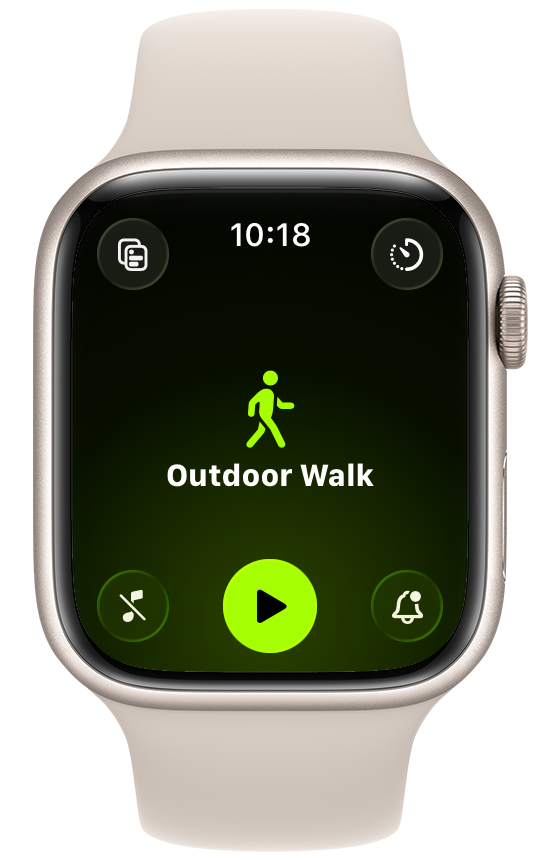
I bitched about the previous behavior—prompted by a Greg Pierce complaint—in December. It’s almost as if Apple is listening now.