
Classic
June 24, 2026 at 5:52 PM by Dr. Drang
This week’s episode of Upgrade (which I listened to on a longish drive yesterday) has a preview of Jason Snell and Myke Hurley’s upcoming Designed in California podcast. No, not the “Road to the Apple II” series they’ve been squeezing into the Upgrade feed these past few weeks. This sneak preview—with special guest John Siracusa—is about the state of the classic Mac OS in the late 90s.
In a word, the state was sorry. This was largely due to some expedient decisions made in the early 80s that were necessary to get the Mac out the door. Unfortunately, those decisions made the Mac a less and less stable computing environment as the years went on.
The instability had to do with memory and multitasking. Jason and John cover it well in the podcast, so there’s no need for me to get into it. I will say, though, that if you listen to the podcast and think Jason is exaggerating when he says that he would often have to reboot his Mac a dozen or so times per day, I can assure you that’s no exaggeration. The frustration of using a Mac back then was the reason I abandoned it for Linux at the end of 1996.
The problem with the Mac was that it had a great user interface for multitasking but a lousy infrastructure. In the mid-80s, the lousy infrastructure didn’t matter so much because computer users were used to doing one thing at a time, which the Mac handled well. But the windowing OS, the consistency of Mac applications, and the multitasking tease of desk accessories slowly got users hungry to run many apps simultaneously and switch between them at will. The infrastructure couldn’t handle that.
I want to emphasize how important the consistency was. For example, all Mac apps had cut, copy, and paste, and those commands were always in the Edit menu and they always had the ⌘X, ⌘C, and ⌘V keyboard shortcuts.1 Similarly for Save and ⌘S. DOS programs—and before Windows 95, most PC users were running DOS—didn’t have that consistency. I remember reading back in ’85 or ’86 that Mac users tended to regularly use many more applications than PC users. There were lots of PC users, especially in the workplace, who basically used one program; their computers were configured to boot into WordPerfect or Lotus 1-2-3, and that would be the only program they used until they turned off their machine at the end of the day.
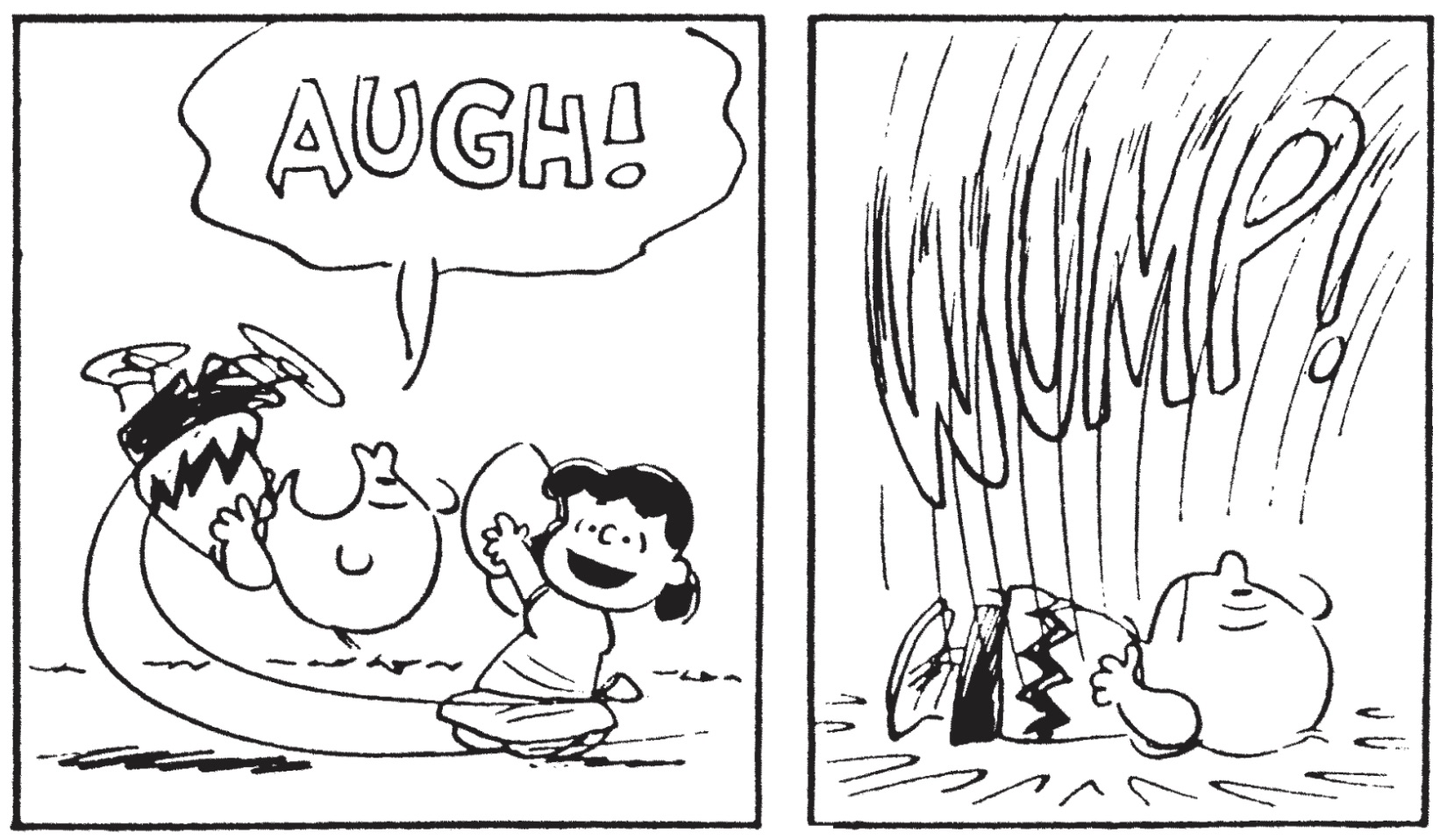
Mac users weren’t like that. Because the Mac had a consistent language, users felt comfortable taking on new apps. They didn’t have to start at ground zero to learn a new set of commands. And when you’re comfortable using three, four, or more programs, you want them all running and available at a moment’s notice. MultiFinder, incorporated into the Finder itself in System 7, offered you the promise of being able to do that, but the underlying deficiencies of the OS reneged on that promise. Classic Mac OS was Lucy and you were Charlie Brown.
-
OK, in the very early days, not every app had keyboard shortcuts for Cut, Copy, and Paste, but that didn’t last long. ↩